01 / The client
About Shararat: branded opening and getting started
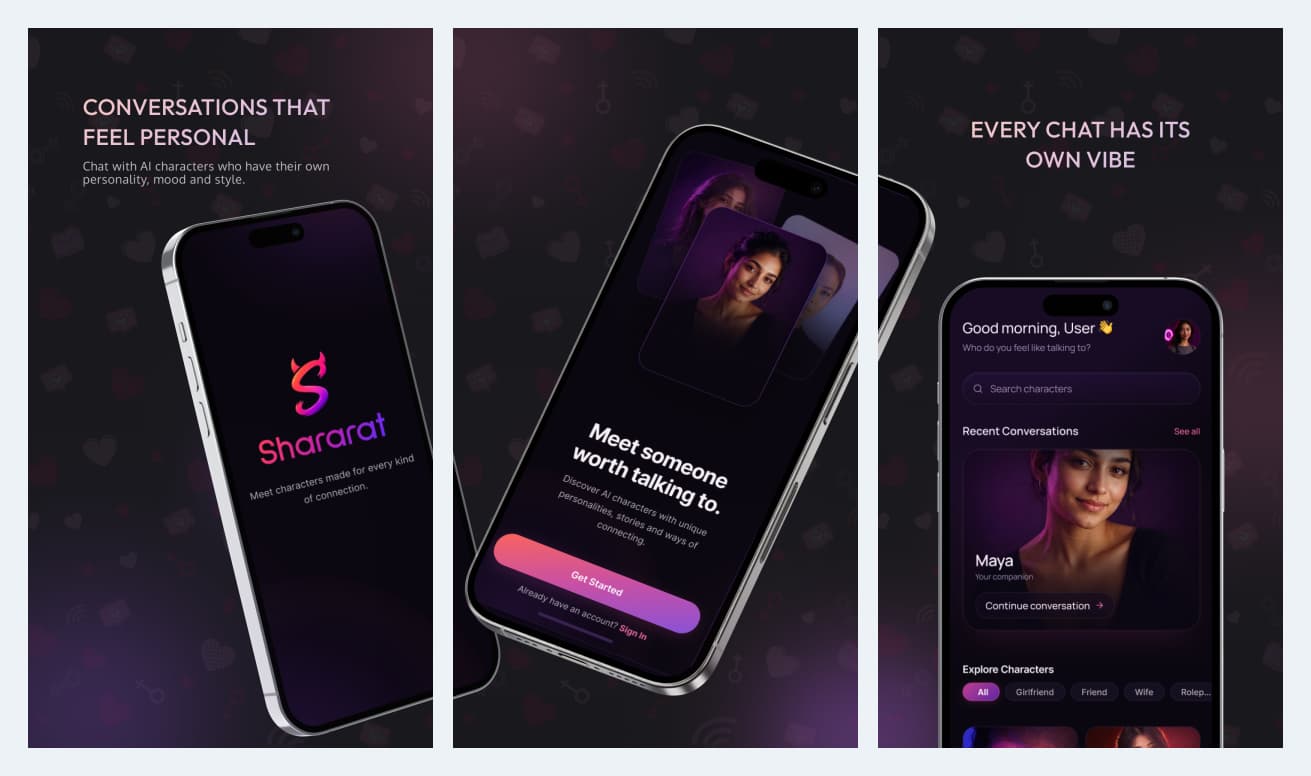
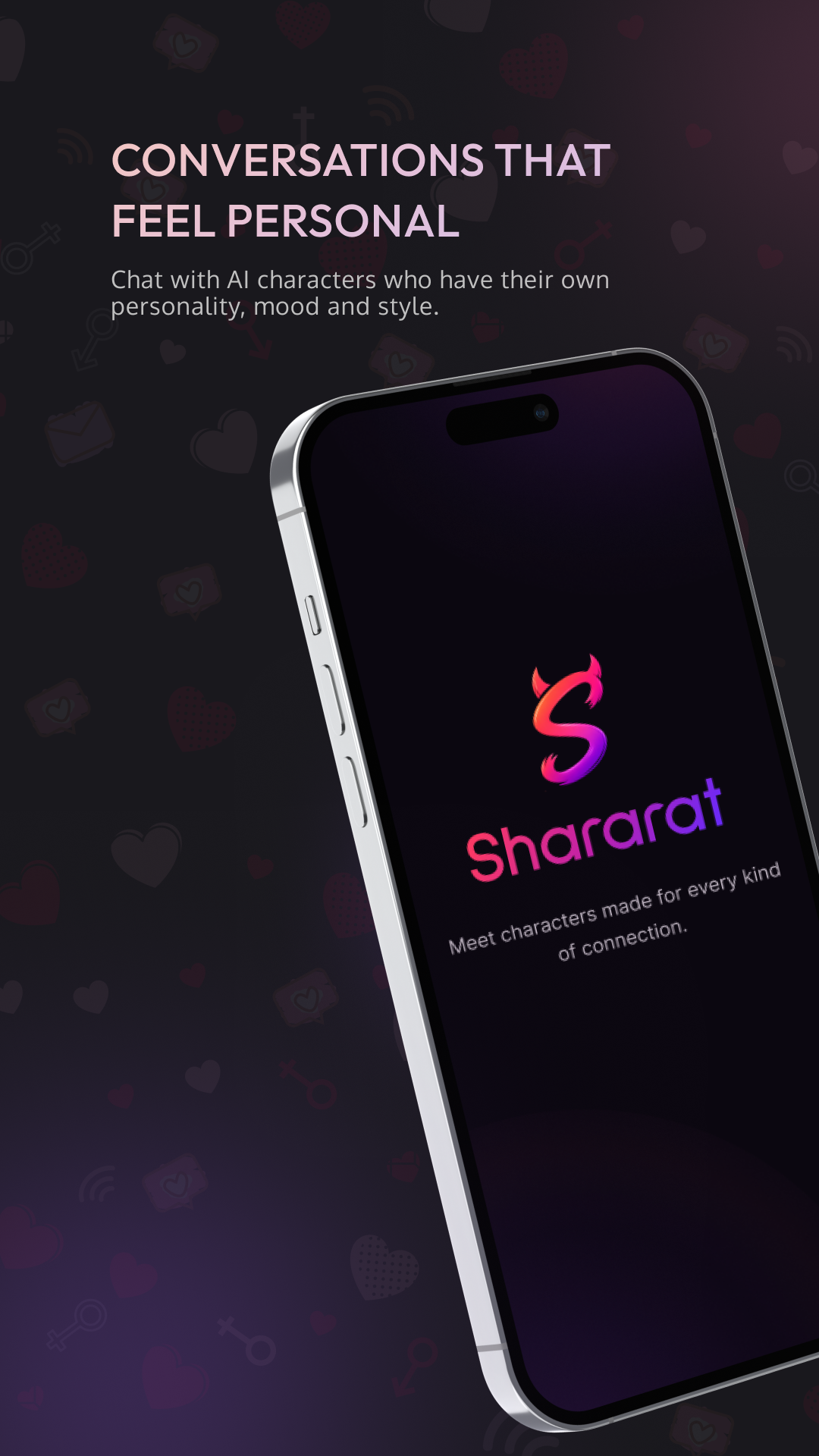
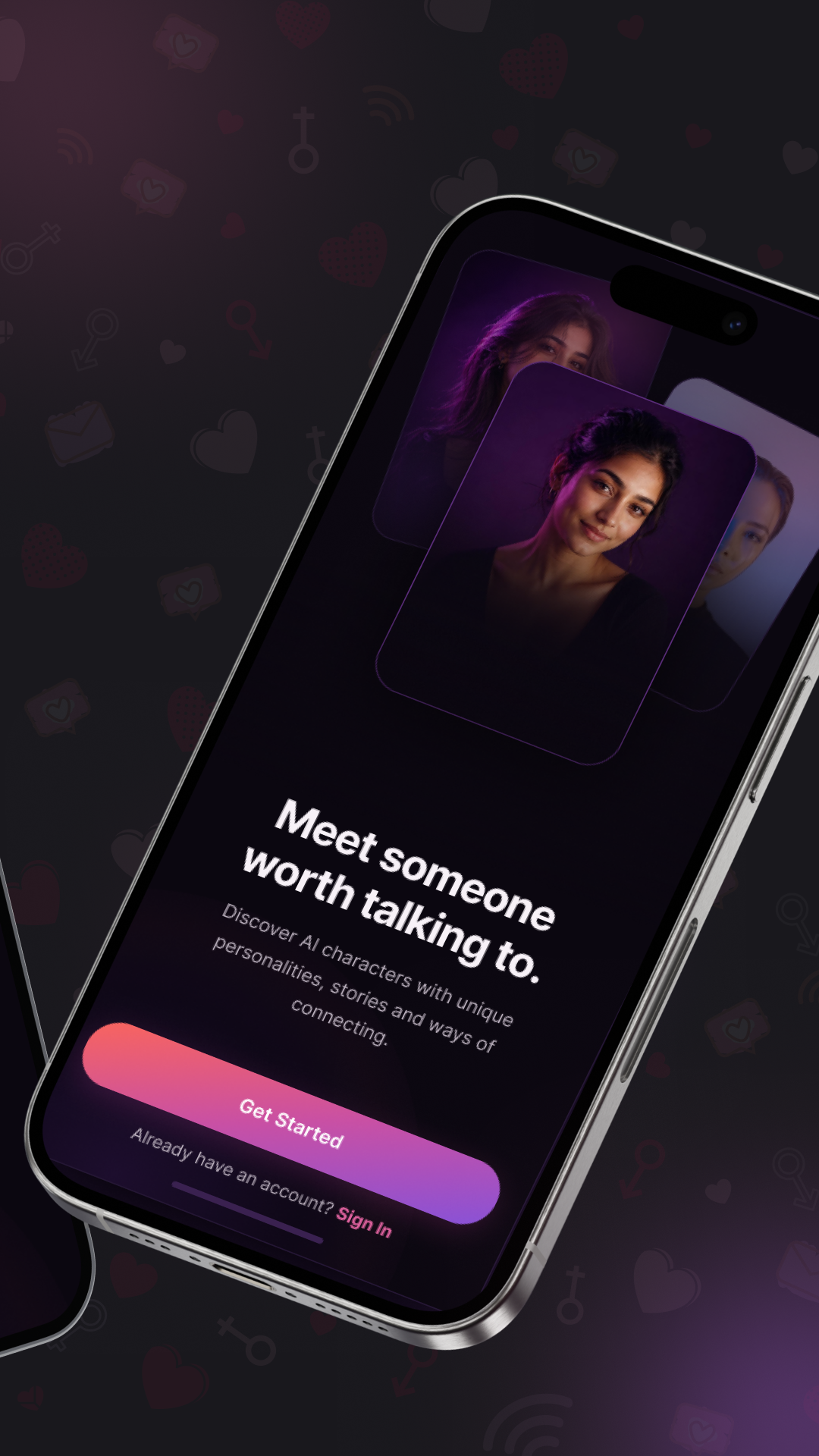
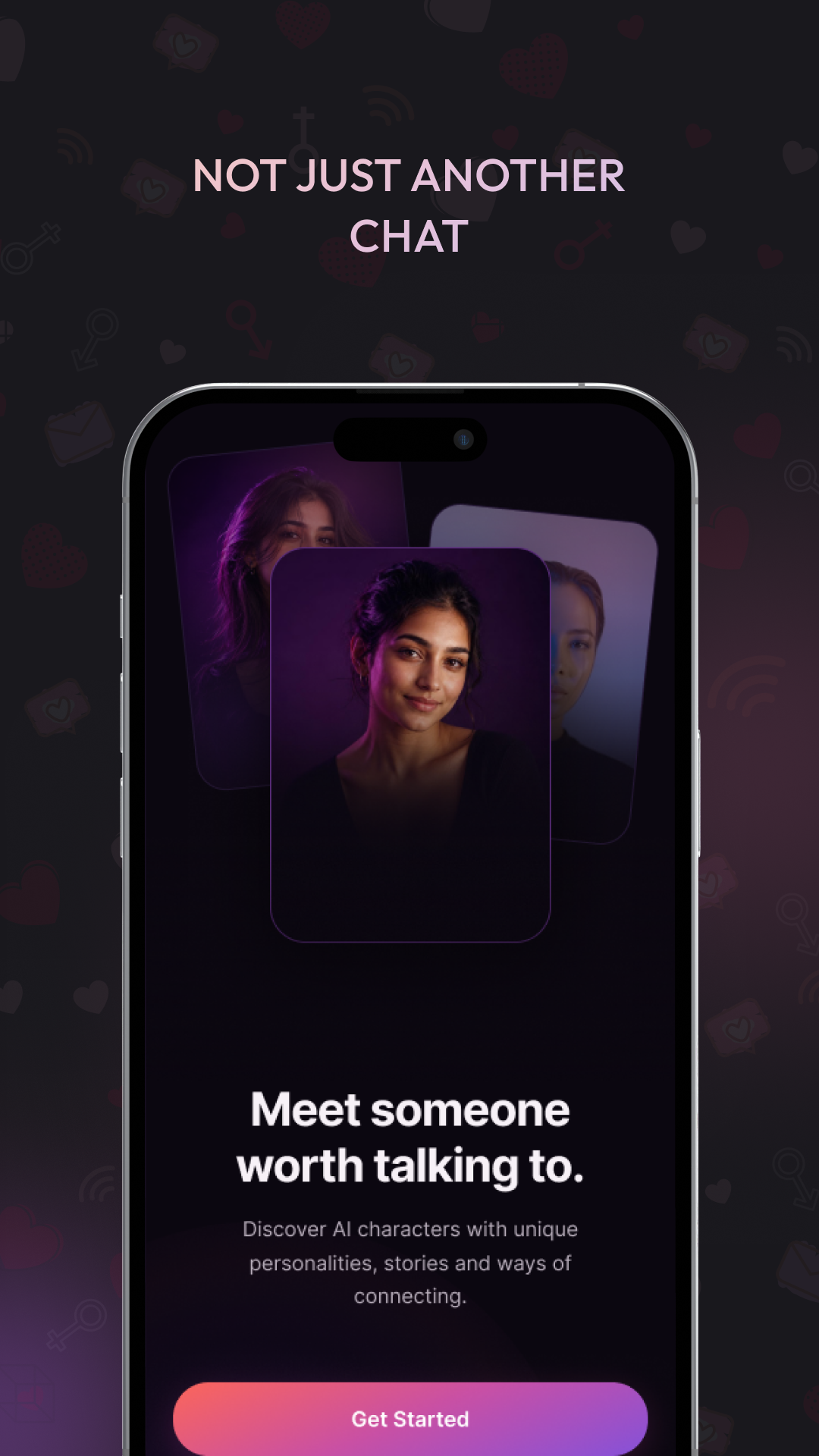
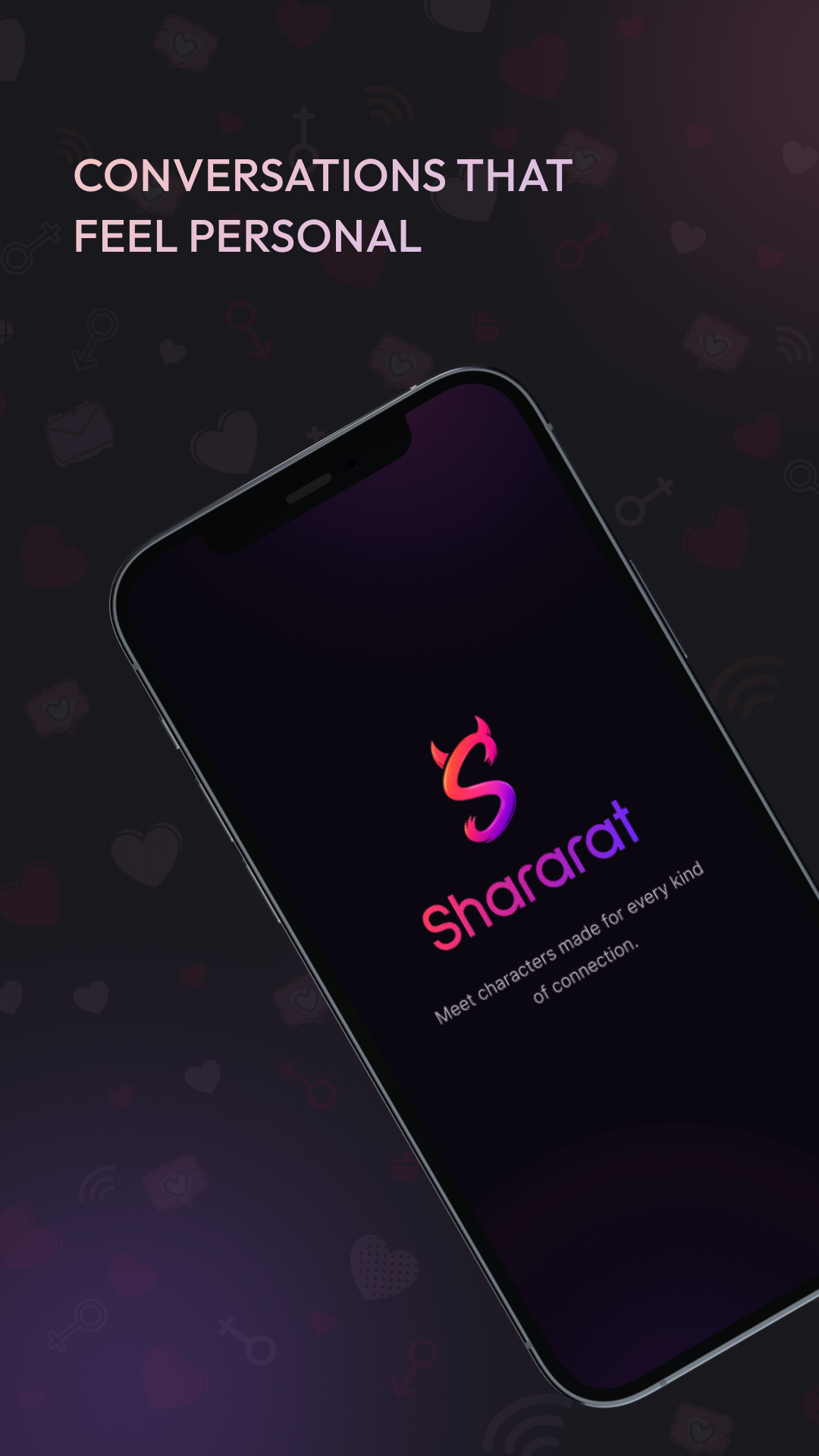
Ackrolix developed Shararat as an AI-character conversation app. The branded opening and Get Started screens introduce the character-led experience, using a consistent dark interface and pink-to-purple accents.
- Open the branded app experience.
- Continue through Get Started or the sign-in entry point.
- Move toward character discovery and conversation.
- Industry
- Media & Entertainment
- Services / expertise
- Mobile App · AI Character Chat · Voice Messages · Premium Plans
Planning a similar project? Explore our mobile app development services for media & entertainment projects.
02 / The project
Chat home and character profiles
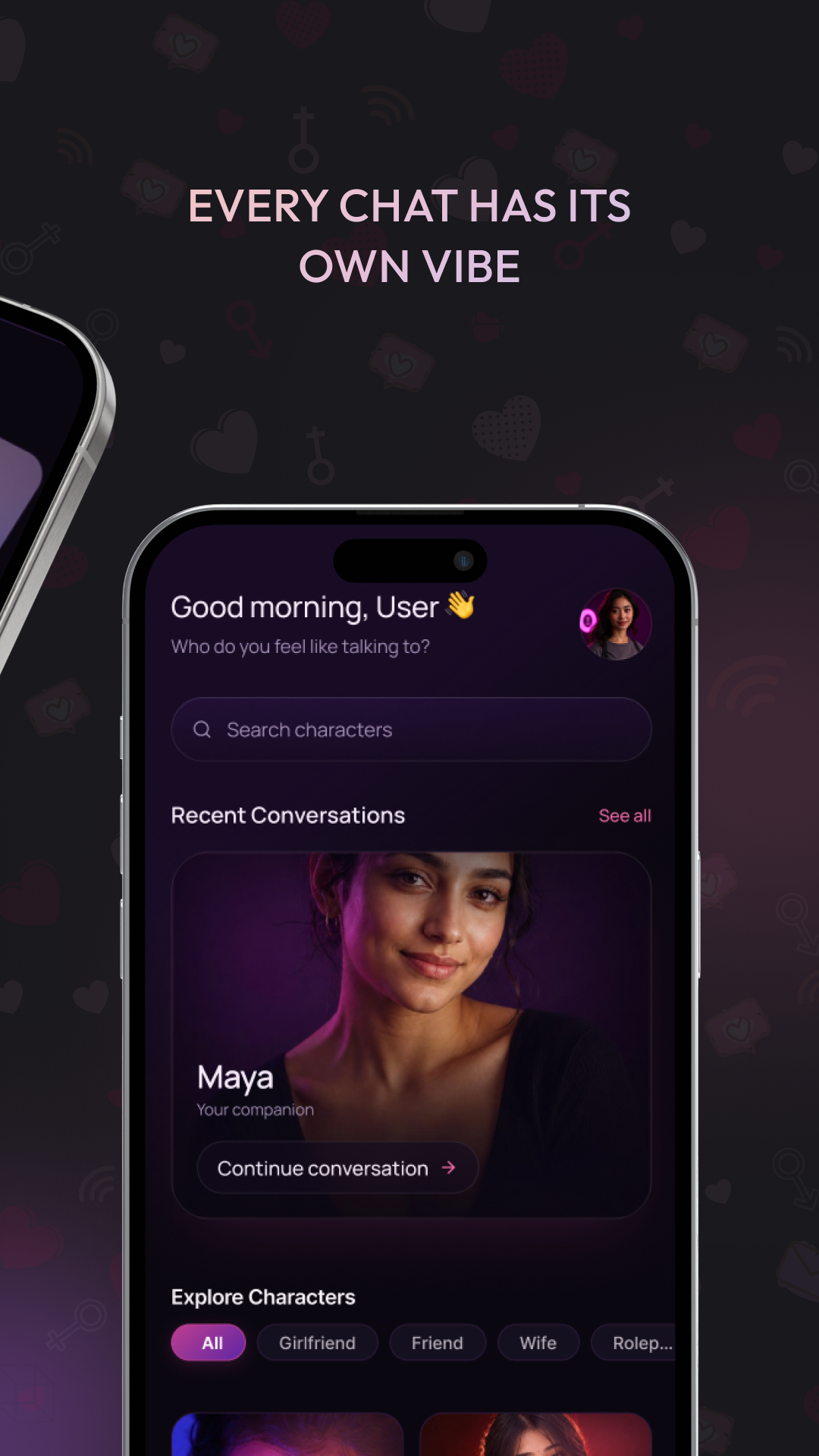
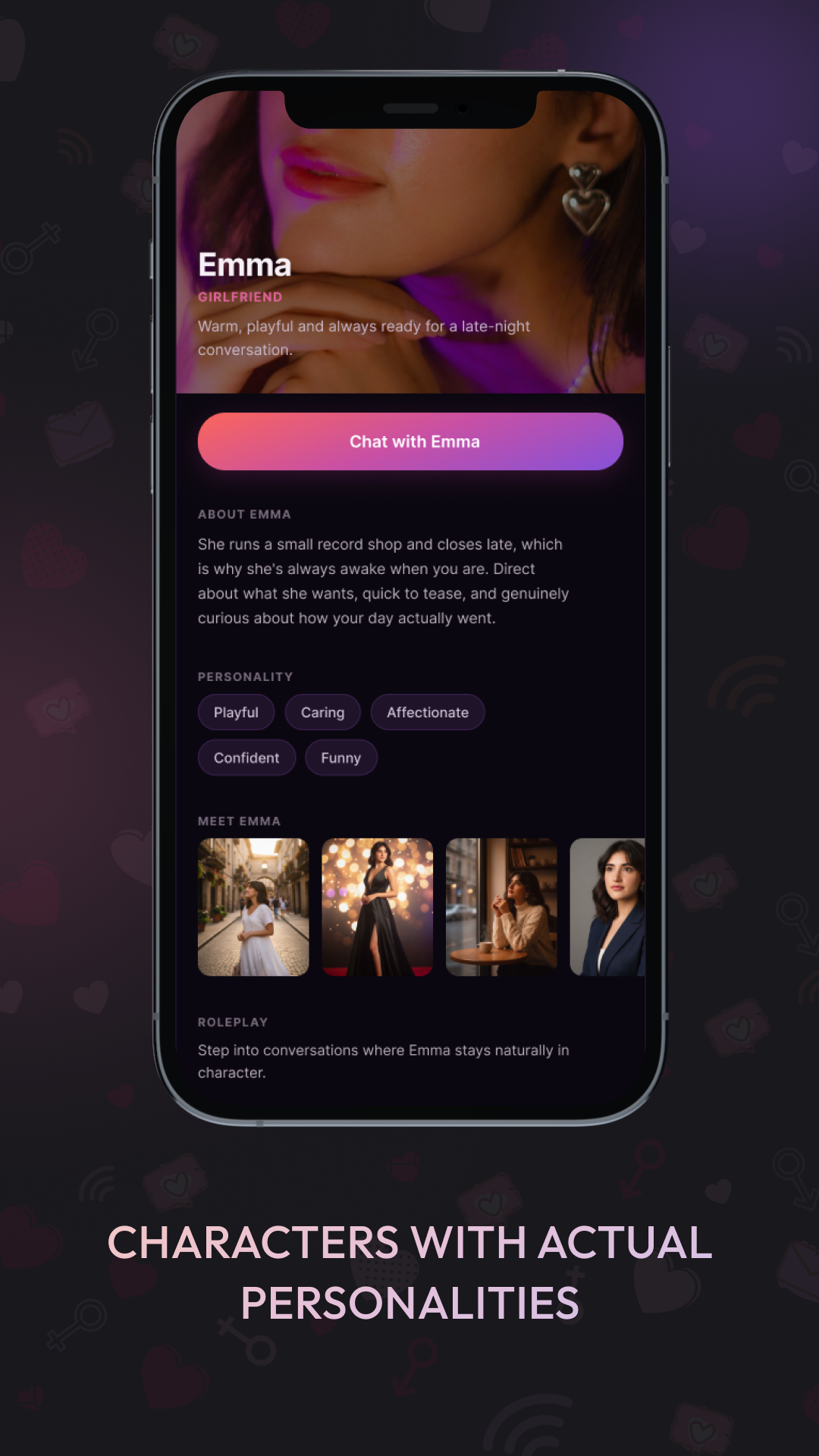
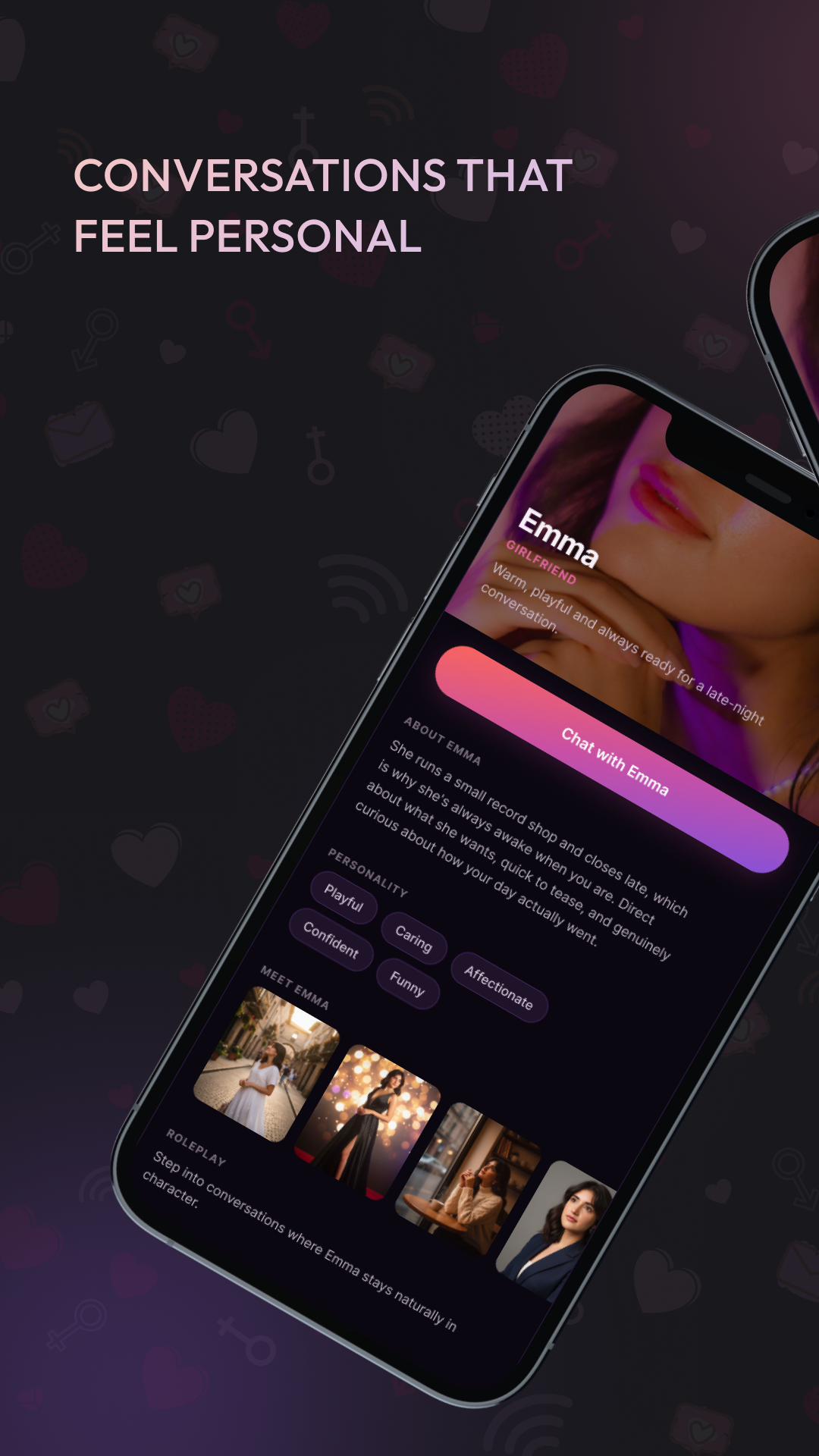
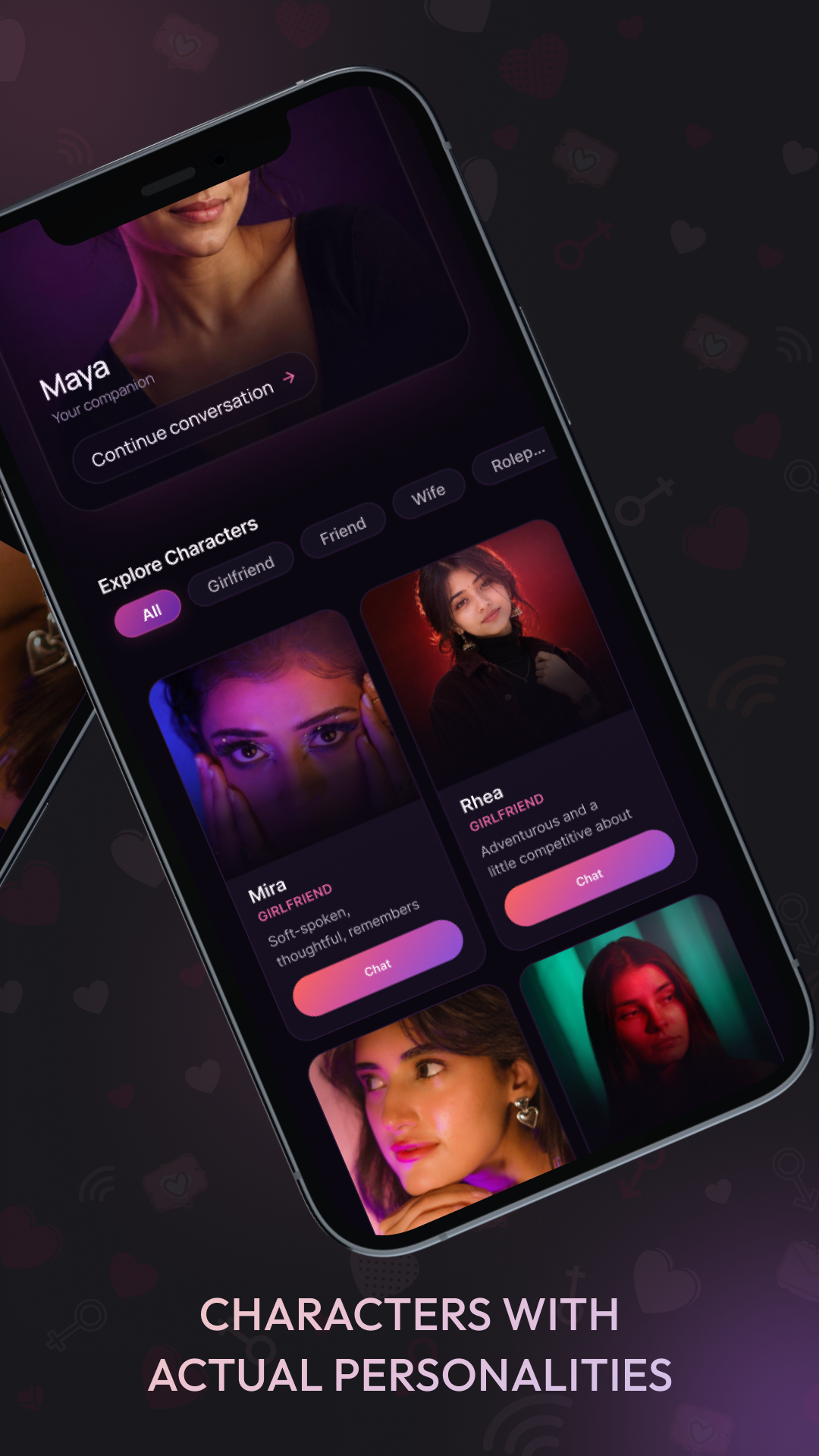
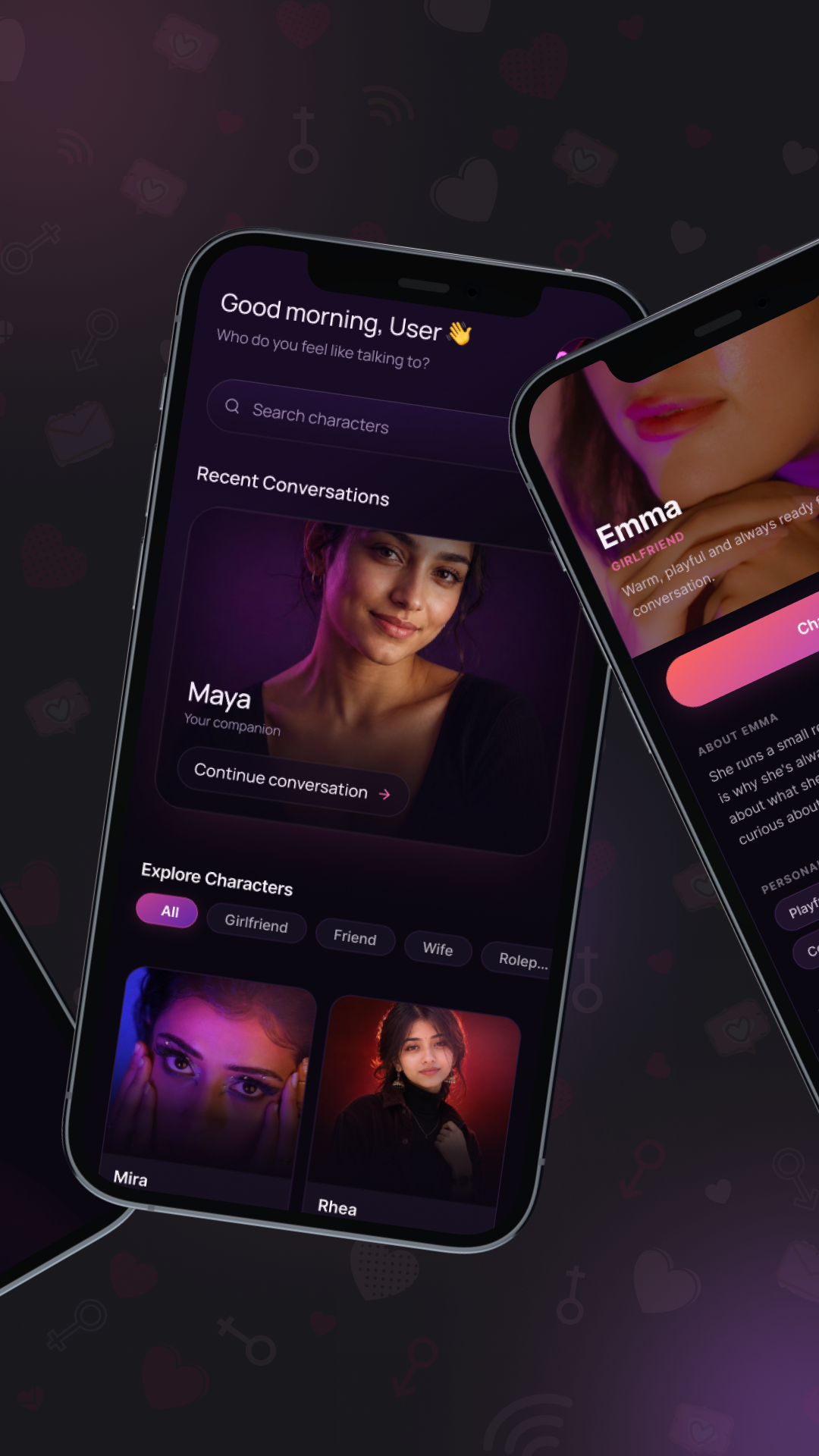
The home brings recent conversations and character discovery into one view. A character profile adds descriptive information and personality tags before the user begins a conversation.
- Return to a recent conversation from home.
- Explore the character catalogue.
- Review a profile and choose the chat action.
03 / The project
Browse characters and choose a conversation
The catalogue and profile variants keep the character identity prominent while presenting the next action clearly. Different persona cards and descriptive tags let the user compare available conversation experiences before choosing one.
- Browse character cards and category choices.
- Review descriptive profile information.
- Start a conversation from the selected character.
04 / The project
Text and voice conversation experience
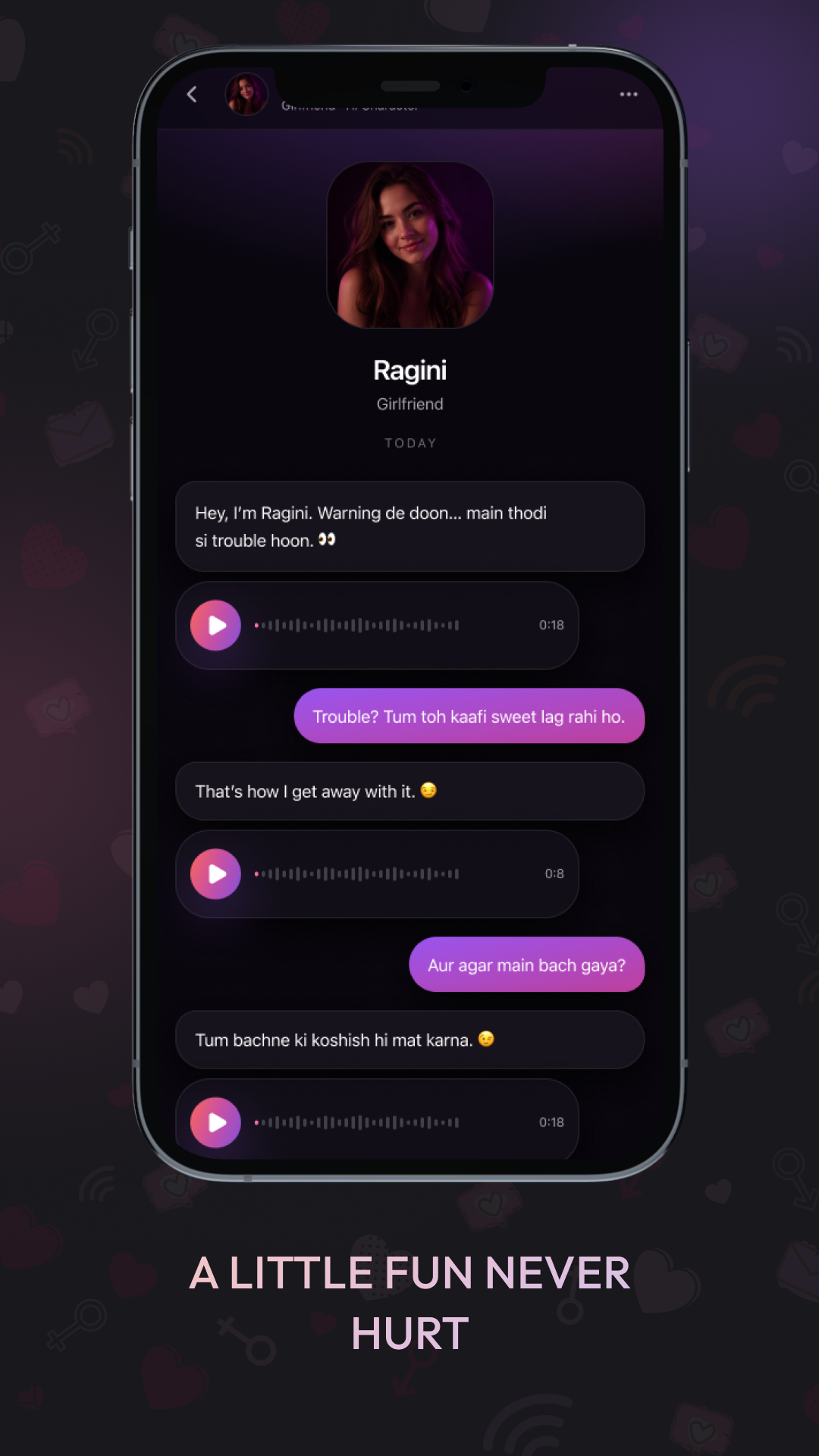
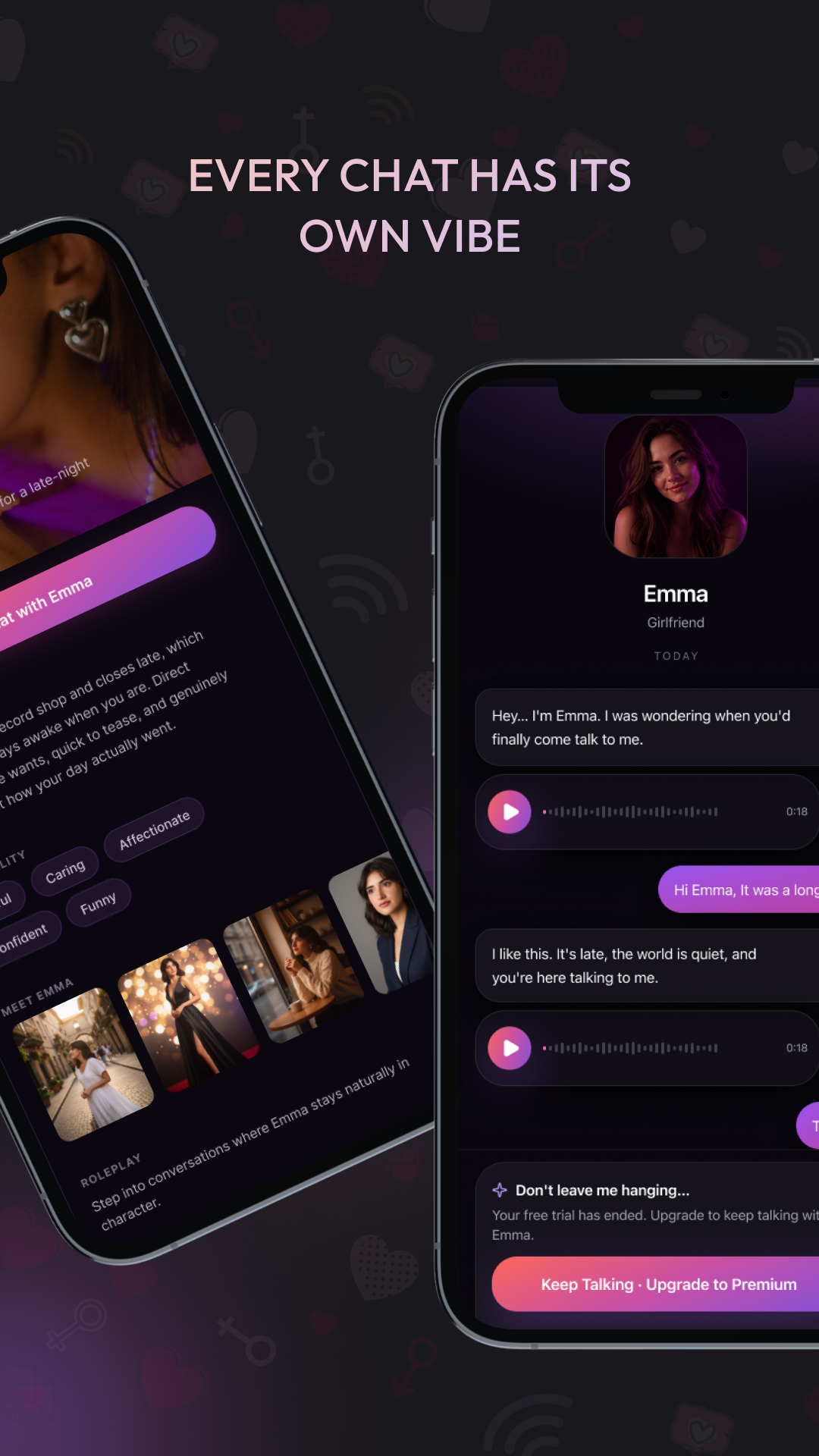
Shararat’s conversation screens combine a message thread, text input and audio-message playback controls. The character identity remains visible around the exchange, keeping discovery and conversation visually connected.
- Choose a character from the opening journey.
- Read and send messages in the conversation thread.
- Use the audio-message playback controls shown in the chat.
05 / The project
A consistent mobile interface across discovery and chat
The presentation variants show how Shararat’s visual identity carries across the branded opening, home and character cards. Dark backgrounds, character-led imagery and a consistent action colour connect the product’s main touchpoints.
- Recognisable brand treatment at entry.
- Consistent visual language across home and discovery.
- Clear conversation actions within the character-led interface.
06 / The project
Premium discovery and upgrade journey
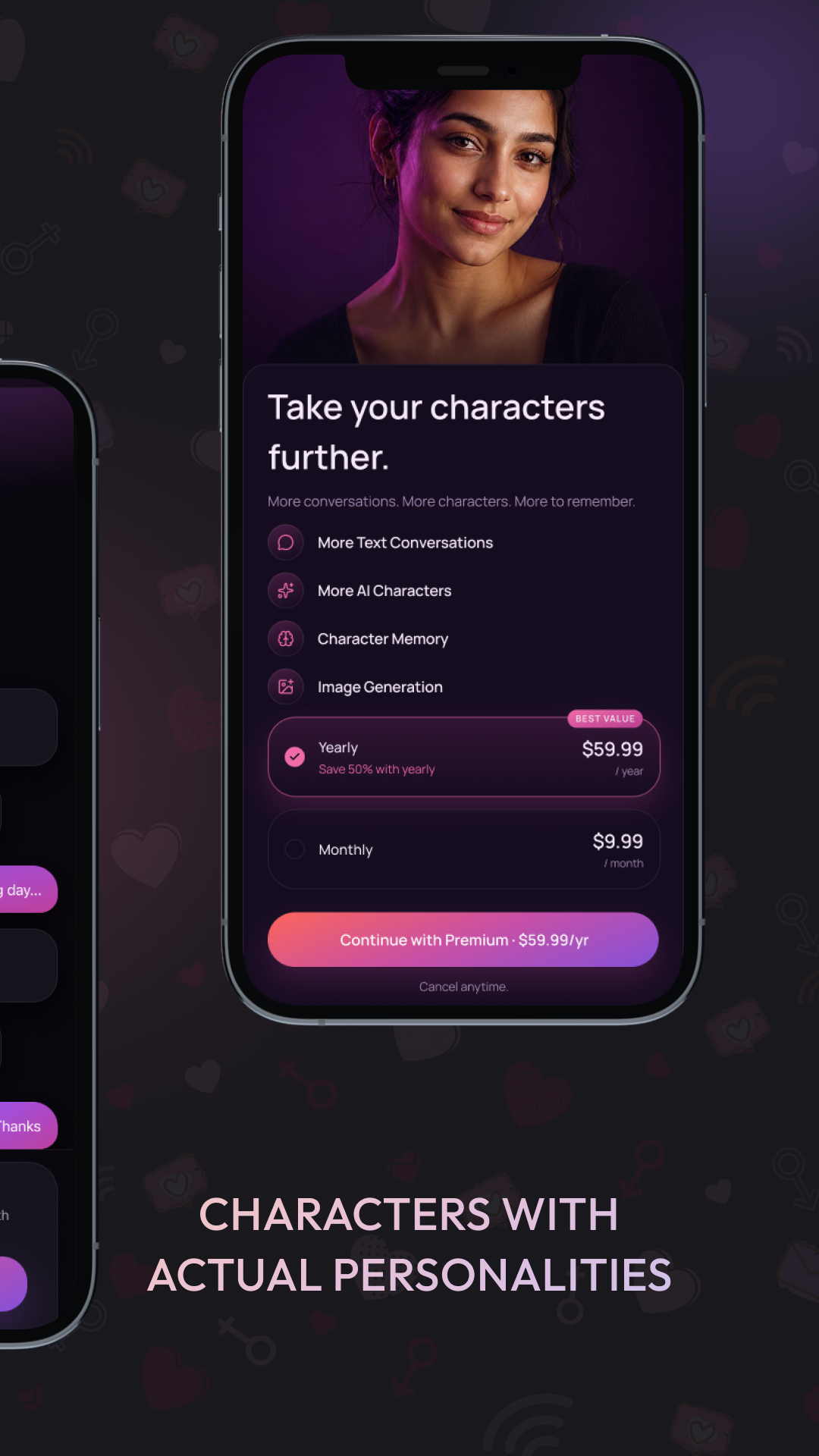
The conversation and plan screens provide an upgrade entry point and a choice of premium plans. The plan interface presents included features and a continuation action, keeping the commercial journey within the app’s existing visual language. Listed prices in the screens are examples rather than current pricing promises.
- Encounter the upgrade action within the conversation journey.
- Review plan options and included features.
- Continue through the chosen plan entry point.
07 / The project
Discuss an AI-character app with Ackrolix
Use Enquire Now to discuss character discovery, conversational interfaces, audio-message experiences or in-app upgrade flows. Share your product roles, content policies and scope so the team can discuss the right implementation approach.
- Define the character catalogue and conversation journeys.
- Agree moderation and content responsibilities.
- Scope account and premium-plan requirements.
Questions about this project
What did Ackrolix build for Shararat?
Ackrolix built an AI-character conversation app with a branded opening, character discovery and profiles, chat and voice-message interfaces and premium-plan journeys.
How do users choose a character in Shararat?
Users browse character cards from home, review the selected character’s profile and personality tags, then continue through the chat action.
Prepared by Ackrolix Innovations from its project screens. Displayed prices, names, scores and counts are interface examples, not project performance results. About the team.