01 / The client
About Bhagya Setu: login and the app home
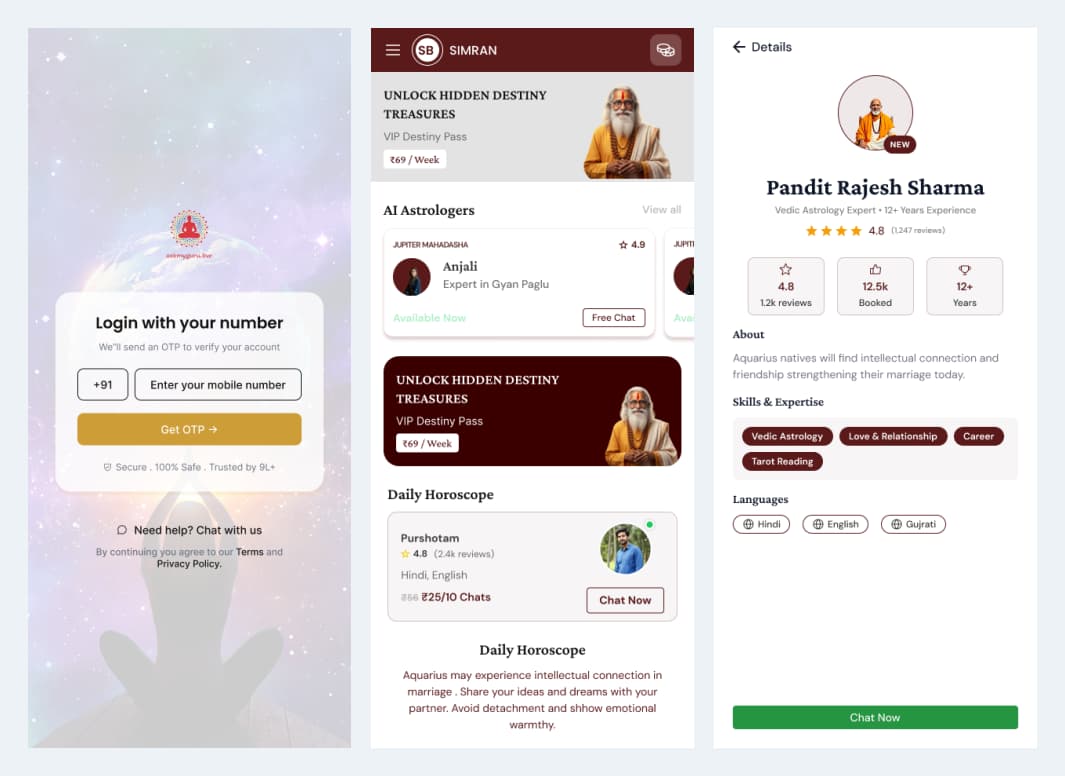
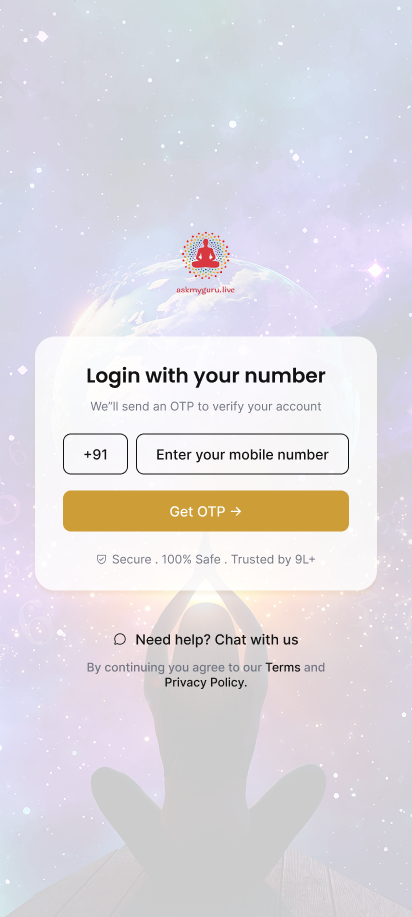
Ackrolix developed Bhagya Setu as an astrology-consultation and report-discovery app. Mobile-number sign-in introduces the account journey, while the home brings astrologer discovery, reports and content entry points together.
- Enter a mobile number and continue through the OTP journey.
- Use home to discover astrologers, reports and content.
- Move into a consultation or a report journey.

- Industry
- Media & Entertainment
- Services / expertise
- Mobile App · Astrology Platform · Consultation Chat · Report Catalogue
Planning a similar project? Explore our mobile app development services for media & entertainment projects.
02 / The project
Profile details and birth information
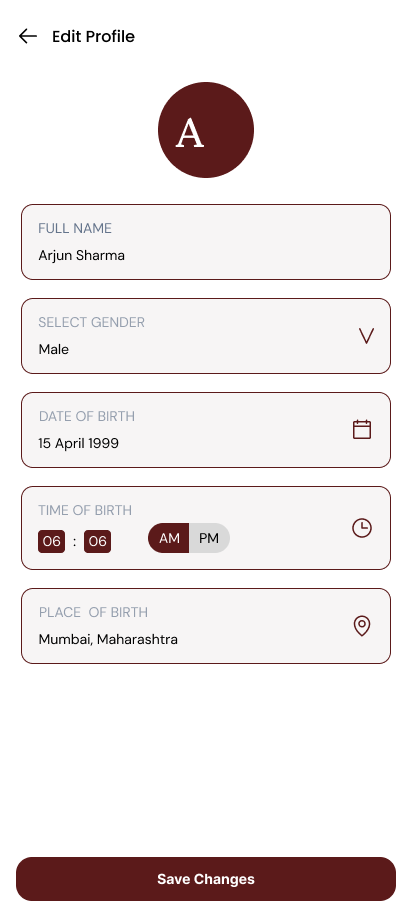
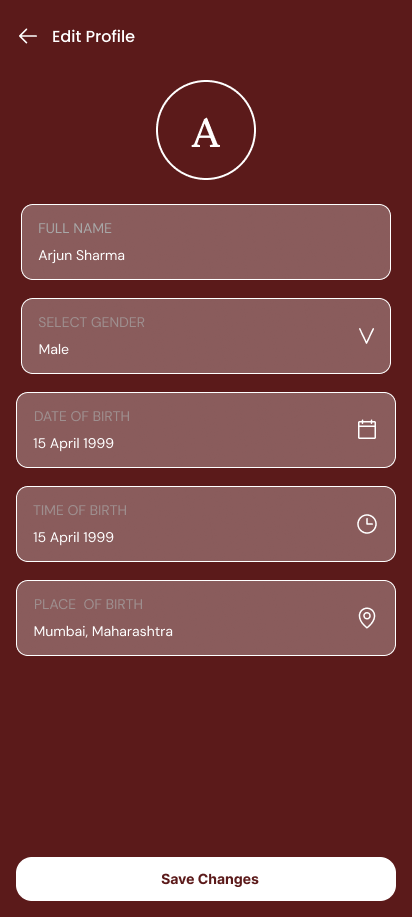
The profile form collects identity and birth information, including date, time and place of birth. Light and dark presentation variants keep the same information structure and save action across the profile experience.
- Open the profile details.
- Review name, gender and birth fields.
- Save the updated profile information.
03 / The project
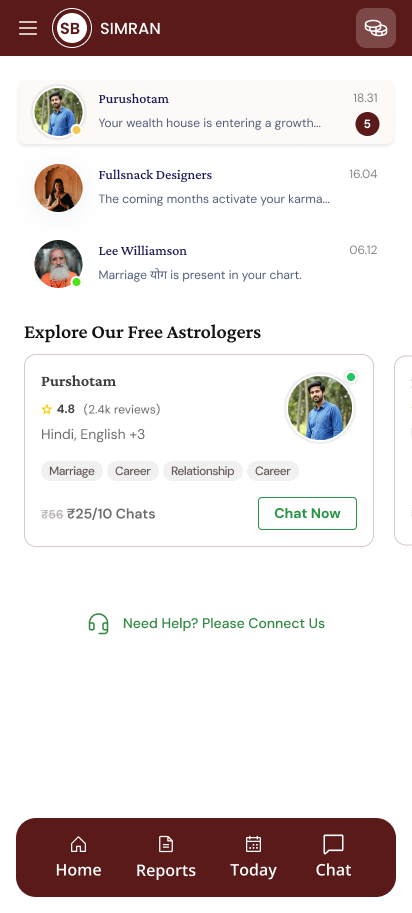
Astrologer discovery and conversation entry
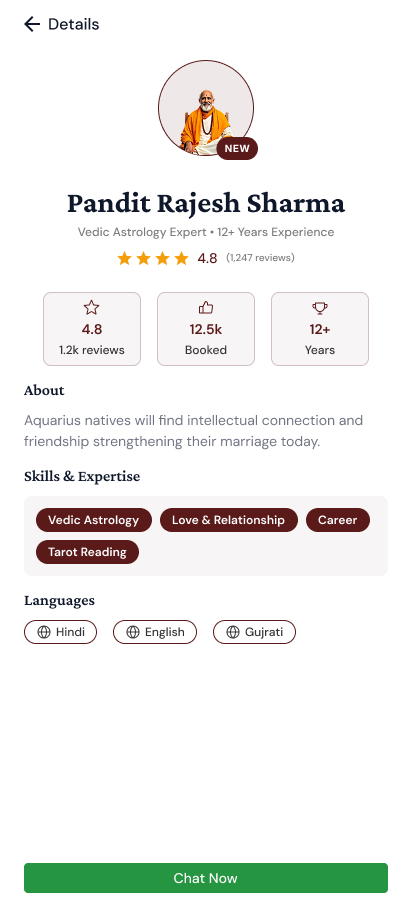
An astrologer profile presents expertise, language information and a chat action. The conversation area keeps recent chats and discovery options together so users can return to an existing conversation or explore another available profile.
- Review an astrologer’s profile and areas of expertise.
- Check the displayed language information.
- Use the chat action or return to an existing conversation.
04 / The project
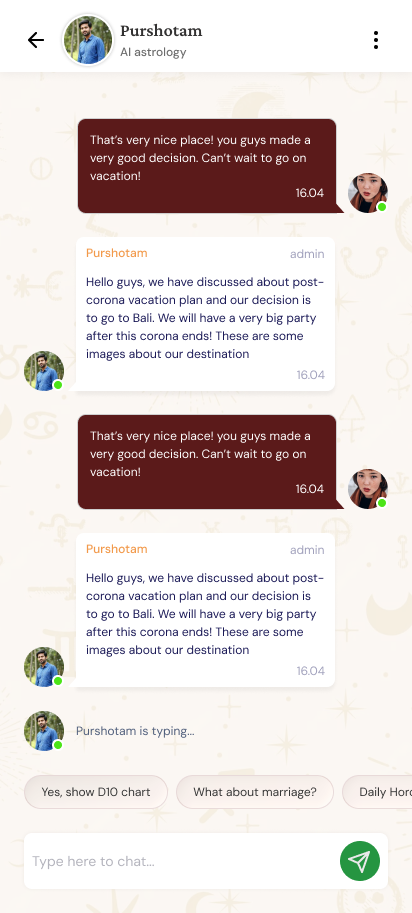
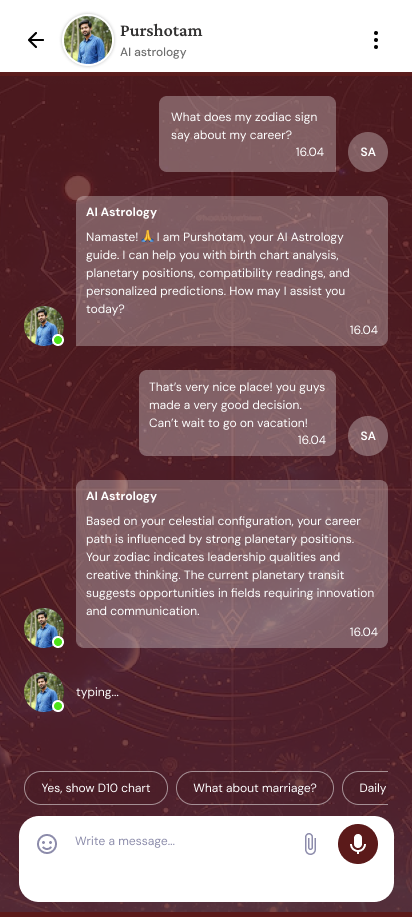
Astrology chat and interface themes
The chat interface presents a conversation thread, suggested prompts and a message composer. Light and dark variants retain the same conversational structure, giving the user a familiar way to continue the exchange.
- Open the selected conversation.
- Choose a suggested prompt or compose a message.
- Continue the conversation through the chat interface.
05 / The project
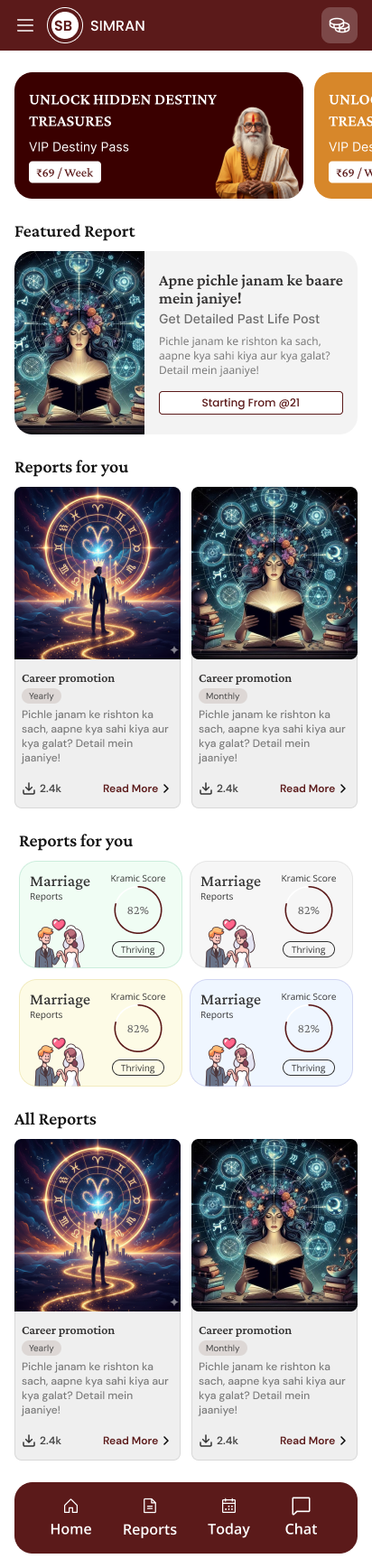
Report discovery and category browsing
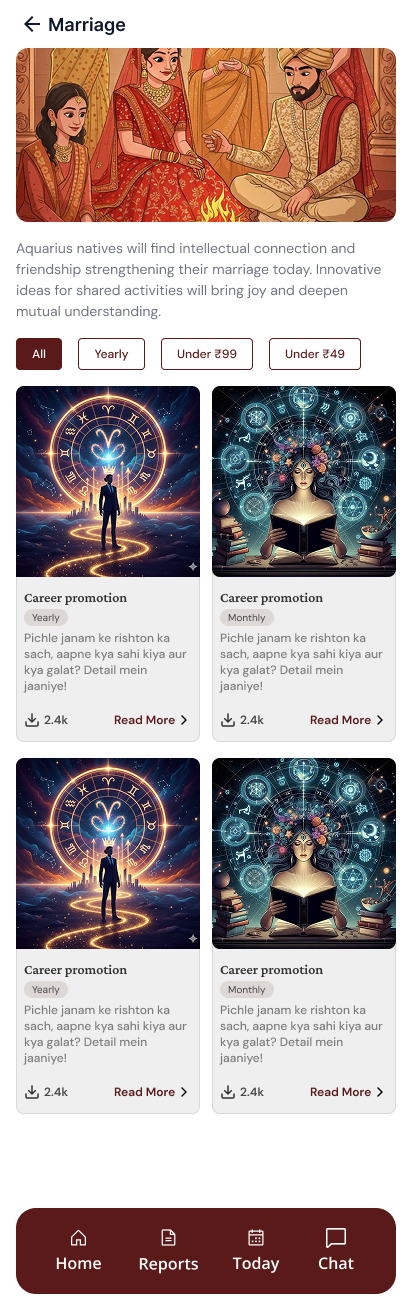
The report area introduces featured content, suggested reports and category entry points. A category view lets the user browse a more focused selection before opening a report.
- Explore the report home.
- Select a category or report card.
- Open the relevant report details.
06 / The project
Report details, language choice and purchase entry
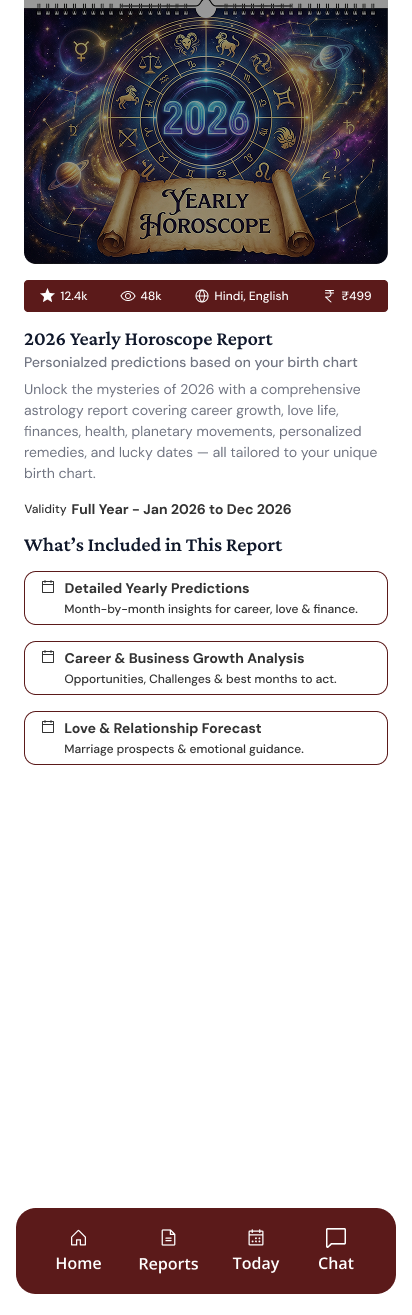
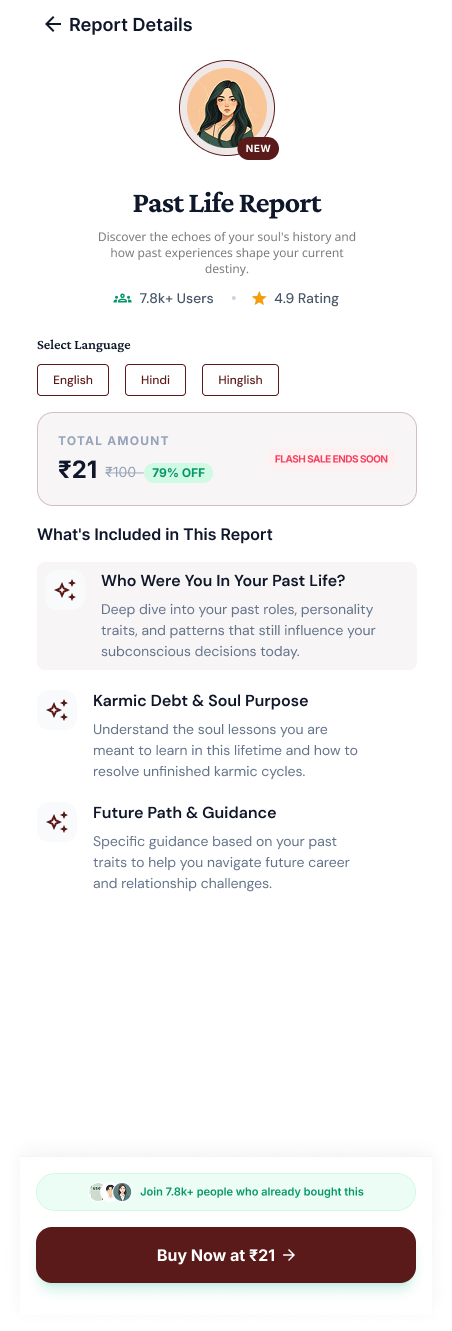
Report details explain what the report contains and present language options and a purchase action where applicable. This gives the user a step between browsing the catalogue and continuing toward a selected report. Displayed amounts and ratings are interface examples.
- Review the report description and included content.
- Choose an available language.
- Continue from the report’s purchase entry point.
07 / The project
Discuss a consultation and content app with Ackrolix
Use Enquire Now to discuss profile-based discovery, consultation chat, a report catalogue or multilingual content experiences. Share the user journeys and operational requirements you want to support.
- Define the discovery and consultation experience.
- Scope profile, language and content requirements.
- Agree the account and purchase journeys.
Questions about this project
What did Ackrolix build for Bhagya Setu?
Ackrolix built a mobile app with login, profile and birth details, astrologer discovery, conversation interfaces and report browsing with language and purchase entry points.
How do users explore reports in Bhagya Setu?
Users browse the report area, select a category or card, review report details and choose the available language before continuing from the purchase entry point.
Prepared by Ackrolix Innovations from its project screens. Displayed prices, names, scores and counts are interface examples, not project performance results. About the team.