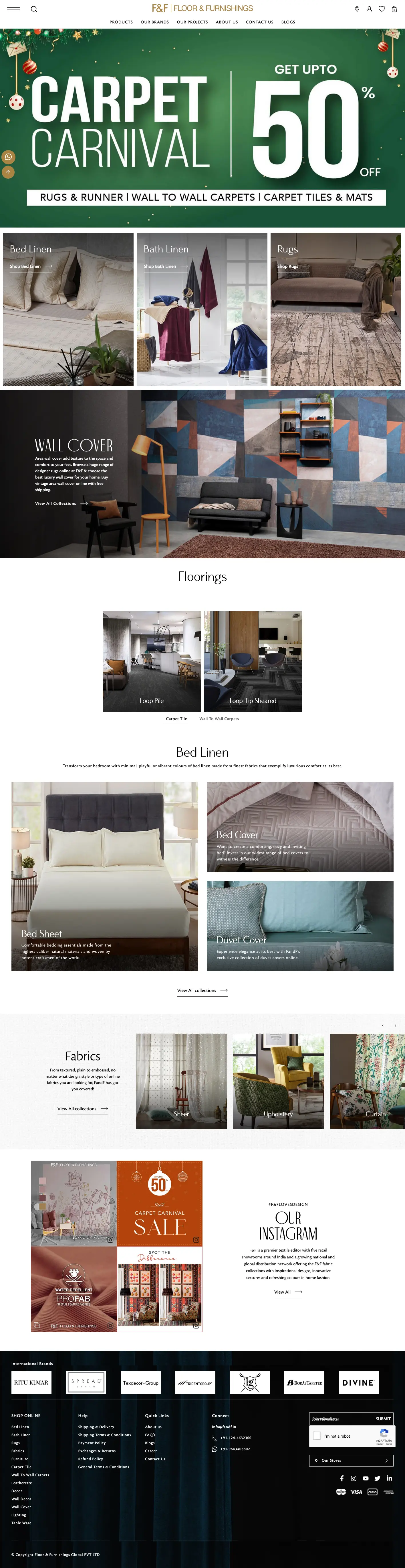
Learn how to customize your Shopify store with clearer product pages, mobile-friendly navigation, consistent branding, and a practical launch checklist for Gurgaon businesses.
A Shopify store should make it easy for shoppers to understand your products, find the right option, and buy with confidence. For businesses in Gurgaon, website customization is an opportunity to turn a generic storefront into a shopping experience that fits the brand and its customers.
Good customization starts with a clear business problem: confusing navigation, weak product information, an inconsistent mobile layout, or a store that is difficult to maintain. This guide explains what to prioritize and how to plan a practical Shopify customization project.
What is Shopify website customization?
Shopify website customization means adapting your storefront's design, content, and customer journey to your business. It can include changing typography and colors, reorganizing homepage sections, building product templates, improving collection navigation, and adding features that your existing theme does not provide.
Start with your theme's built-in settings. When the required behavior falls outside those settings, a developer can assess whether custom theme code or a carefully chosen app is the better fit. The goal is a store your team can manage after launch.
1. Build a storefront around your brand
Use a consistent visual system across the homepage, collection pages, and product pages. Choose readable fonts, clear button labels, and a restrained color palette. Product photography should help customers judge the item rather than compete with decorative elements.
For a Gurgaon business selling online, the homepage should quickly explain what you sell, who it is for, and where you deliver. Highlight a small number of useful next steps, such as exploring a collection or finding a best-selling product.
2. Make product pages useful
Product pages need more than an attractive layout. Place the price, available variants, purchase button, and essential product information where shoppers can find them easily. Add sizing or specification details when they affect the buying decision.
- Write product descriptions that explain use, materials, and care where relevant.
- Show delivery information and link to clear shipping and return policies.
- Use genuine customer reviews and accurate availability information.
- Make variant selection understandable, including unavailable options.
Custom templates can help different product types present the information they need without forcing every item into the same layout.
3. Prioritize mobile navigation and usability
Test your storefront on real phones as well as desktop screens. Menus should be easy to open, buttons easy to tap, and text comfortable to read. Avoid promotional overlays that hide product information or make it difficult to close the screen.
Keep collection names familiar to customers. Search, filters, and sorting should help shoppers narrow a large catalog without unnecessary steps. Check that a customer can reach a relevant product and add the correct variant to the cart.
4. Keep performance and maintenance in mind
Every app and decorative feature adds something for your team to maintain. Review existing apps before adding new ones, remove features that no longer serve a purpose, and use appropriately sized product images. Measure the important pages before and after a change instead of assuming a redesign makes them faster.
Duplicate the live theme before development. Keep an agreed list of changes and a rollback plan so the business can review work without interrupting its storefront.
5. Plan checkout changes within your Shopify plan
Storefront theme customization and checkout customization are separate tasks. Shopify provides a checkout and accounts editor, while more advanced checkout capabilities depend on the store's plan. Confirm the available options before committing to a custom checkout requirement.
Focus first on clear cart information, visible policies, and a checkout journey that customers can complete. Avoid promising checkout features before checking the store's eligibility.
A practical customization checklist for Gurgaon businesses
- Identify the pages and customer journeys that need improvement.
- Agree on brand assets, product content, and functional requirements.
- Check theme capabilities and app requirements before development.
- Review the changes in an unpublished theme.
- Test navigation, product variants, cart behavior, forms, and a test order.
- Confirm analytics tracking, internal links, and important page metadata.
- Publish with a rollback plan and monitor the storefront after launch.
Shopify customization with Ackrolix in Gurgaon
If you are planning a new store or improving an existing one, explore Ackrolix's Shopify Website Development services in Gurgaon. A clear scope helps connect design decisions, development work, and the day-to-day needs of your business.
Frequently asked questions
Can an existing Shopify store be customized?
Yes. Start by reviewing the current theme, apps, and content. Work in a duplicate theme and test the changes before publishing them.
Do all Shopify customizations require coding?
No. Many layout and branding changes are available through the theme editor. Requirements beyond the theme's settings may need development work or an app.
How long does Shopify customization take?
The timeline depends on the number of templates, the condition of the existing store, integrations, and content readiness. A scoped review is more useful than a fixed estimate without inspecting the store.
Further reading
For platform-specific options, see Shopify's official guides to customizing themes and checkout customization.
Ackrolix Team
Insights and expertise on technology, software development, and digital innovation from the Ackrolix team.